Sell
- Point of saleLive
- Kitchen ticketsLive
- TablesLive
- Invoices and quotesPilot
 Empire OS
Request a pilot
Empire OS
Request a pilot
Record a sale once and every role that depends on it moves with it. Restaurant is open to try; the rest is marked pilot or preview.
Each pulse is one sale reaching every role. Click anywhere to send one.
Sell. Get paid. Pay people. File with MIRA.
Five views of one operating record, not five systems to reconcile at month end.
Record a sale once. It lands in Today, Sales, Money and Tax together.
The sums are done in the open, and every term names where it came from.
Whatever the business sells, the book underneath is the same.
This workspace is live. Put a table’s dishes on the ticket and record it: the one sale reaches Today, Sales, Money and Tax on the same frame, and every tab carries its figure, so you can watch all of them move. Then try the same operating core in any of the ten interface systems the product ships with.
Needs you today
One ticket, recorded once. It lands in Today, Sales, Money and Tax together, and the GST is taken out of it rather than added to it.
Lumera Kitchen & Bar
Ticket 97Table 12, 2 guests
TotalMVR 1,432.00
GST inside106.07
Net sale1,325.93
Paid in cash
Illustrative data for a fictional business. The arithmetic is real: GST is taken out of a GST inclusive ticket at the general rate, not added on top, and the Money view ranks what you are owed by expected credit loss, not by age.
Preview: Empire AI
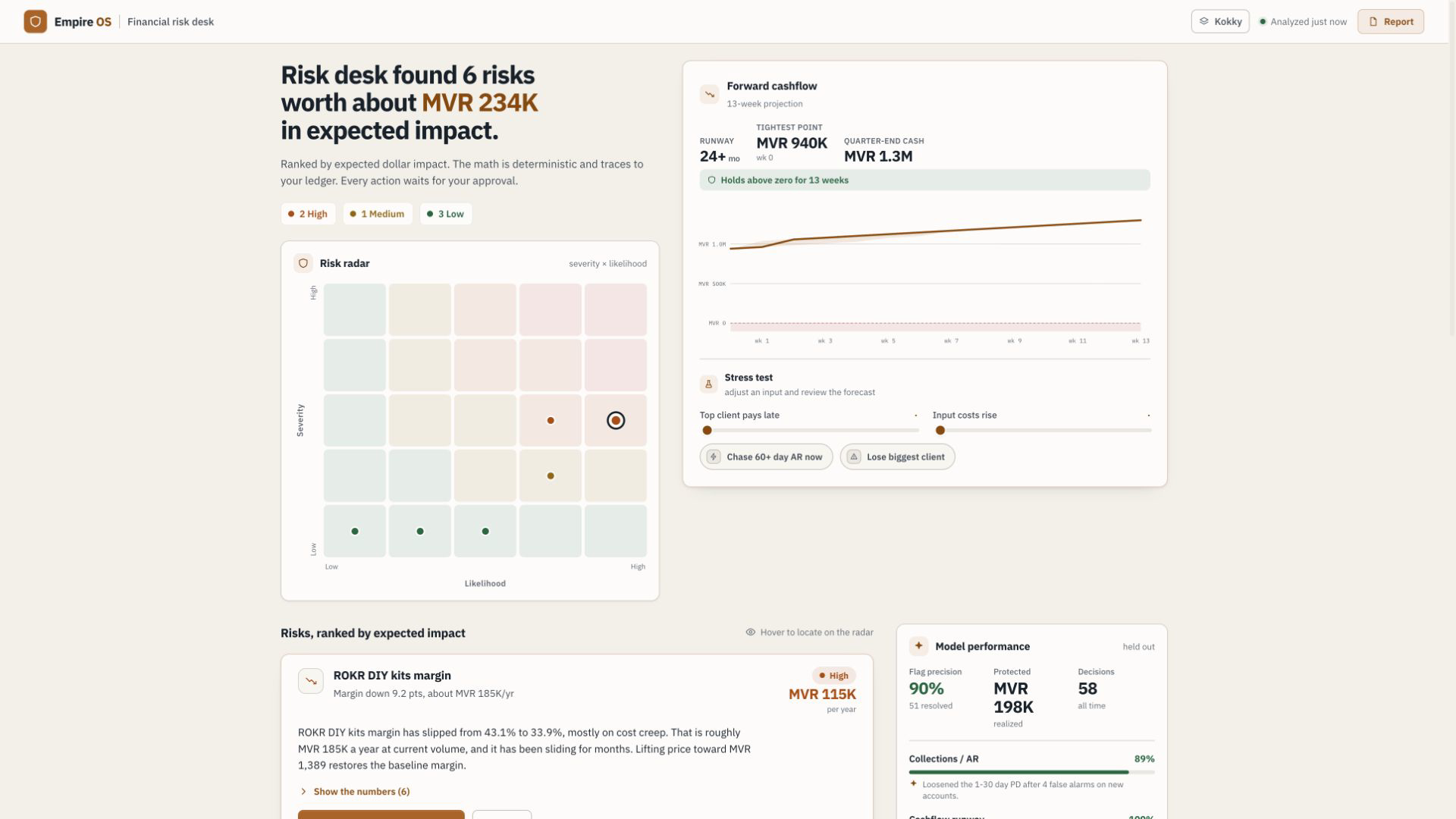
Recording the work is the easy half. The half that decides whether a business survives is reading the record back: which customer is actually going to cost you, what the GST really comes to, whether payroll clears. The workspace above does that arithmetic in the open on illustrative data and names where every term came from. In the product it belongs to Empire AI, which is still a preview: the screen exists, the workflow does not.
Not a sample, not an estimate. What is open on the invoice, what was rung up at the till, what was paid to staff.
Five bands from under thirty days to over a hundred and twenty. The same ladder for every customer, so no account gets a private number.
A deposit, a retention or a personal guarantee changes loss given default, and the desk says which one it used.
In the showroom, on illustrative data, the risk receipt drafts a chase and waits for your approval, and the approval is logged.
At today’s ledger
Expected across the six accounts
Stress it
Sell. Get paid. Buy and stock. Pay people. File with MIRA. See the truth.
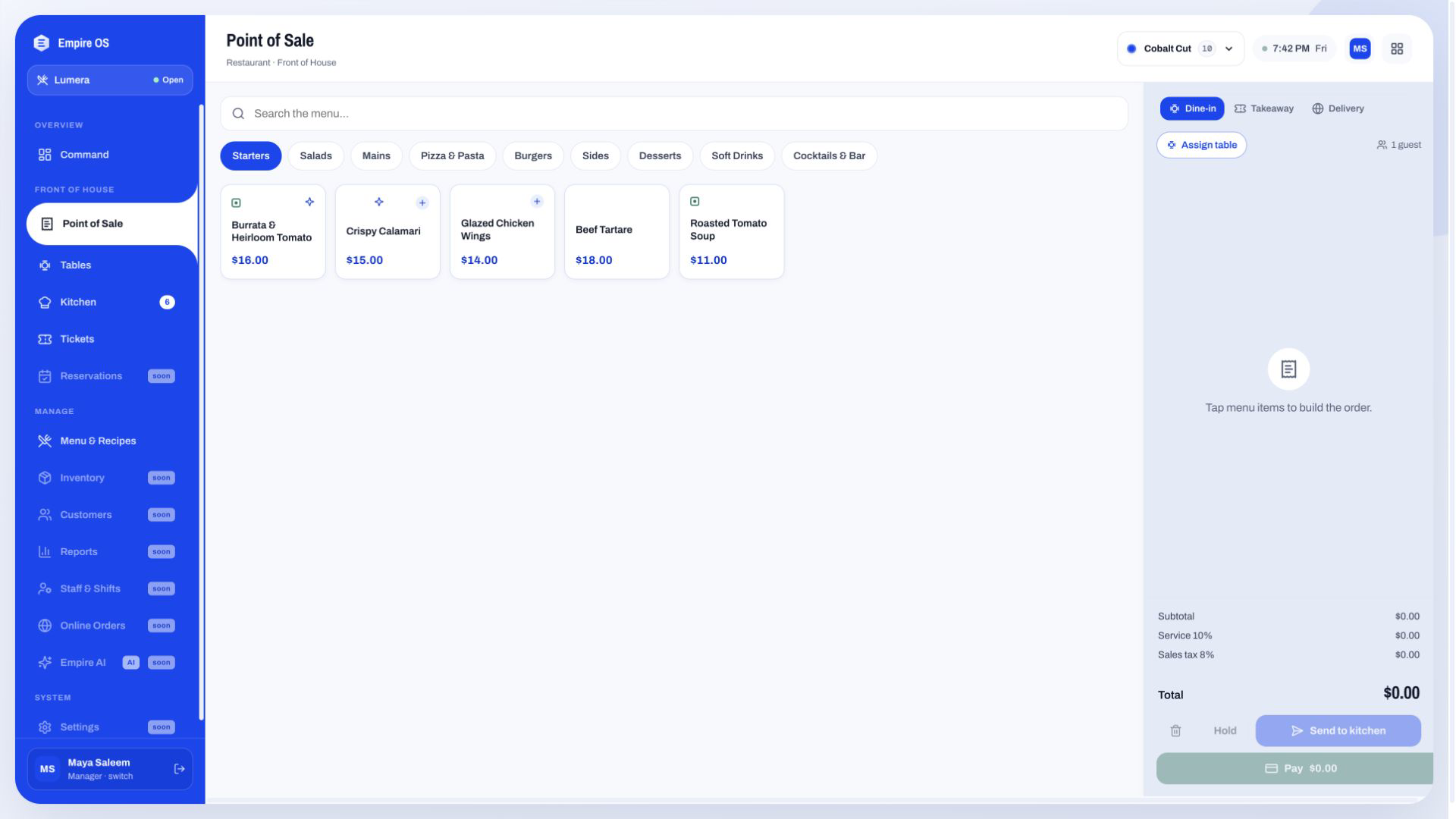
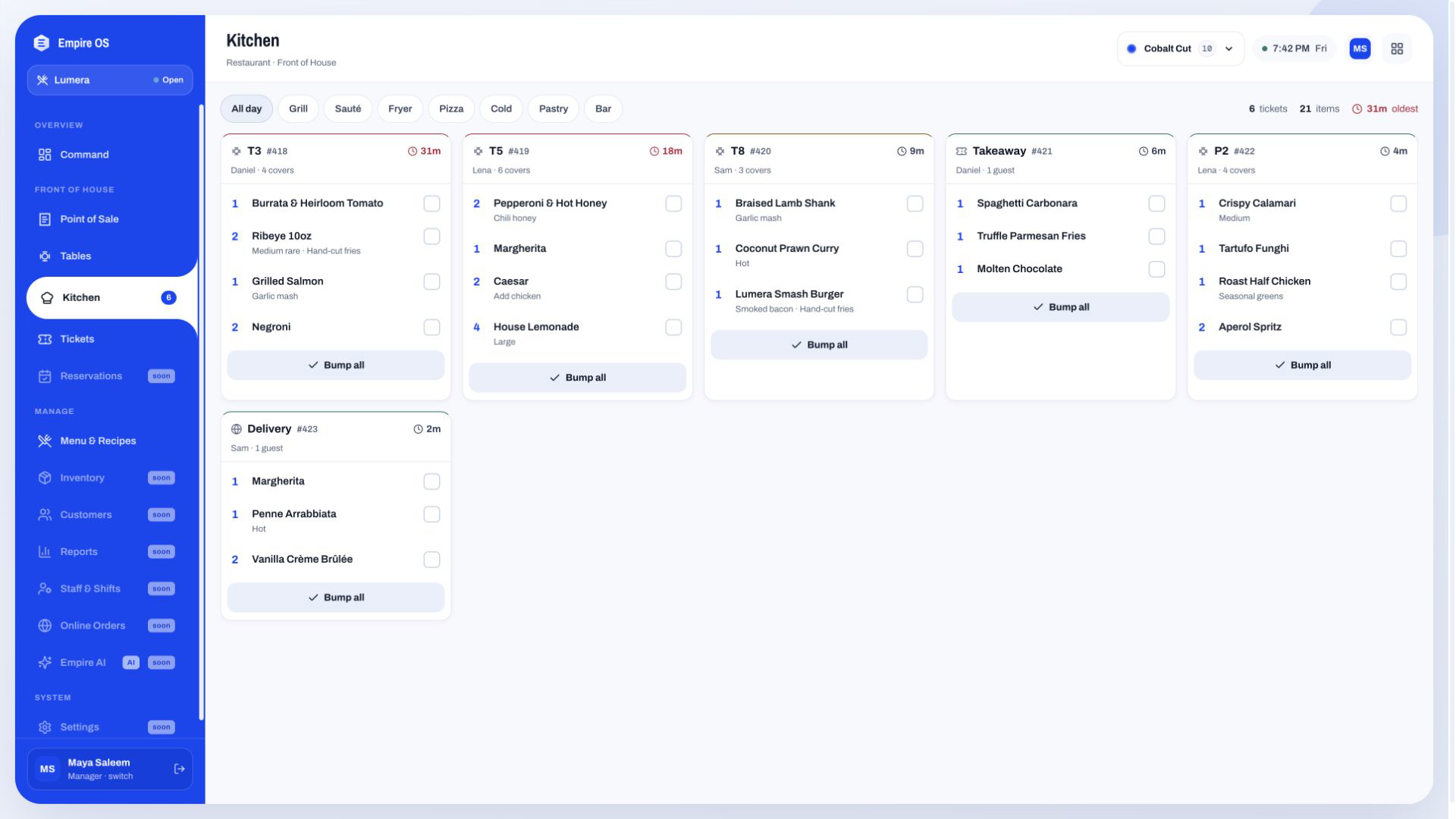
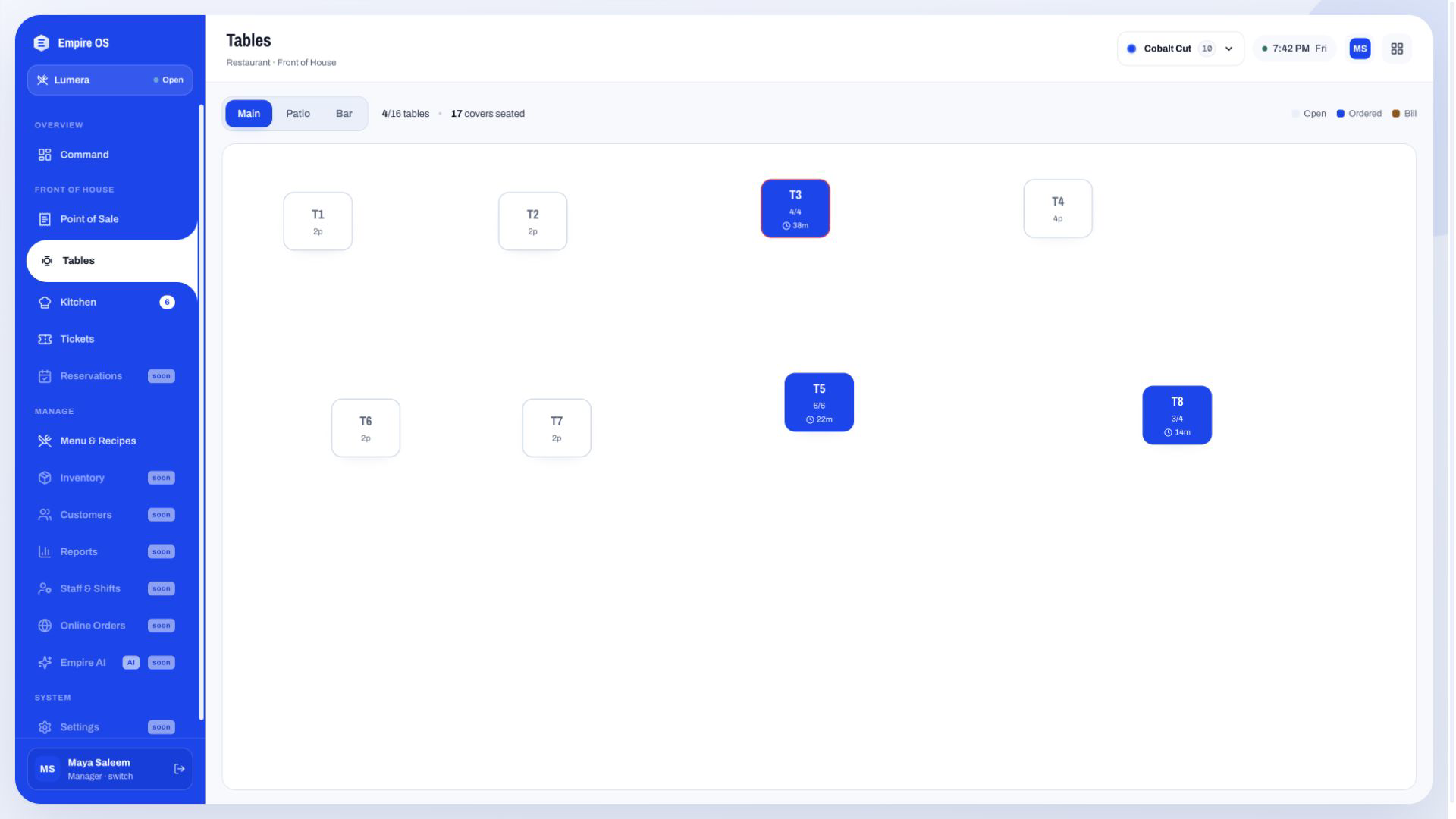
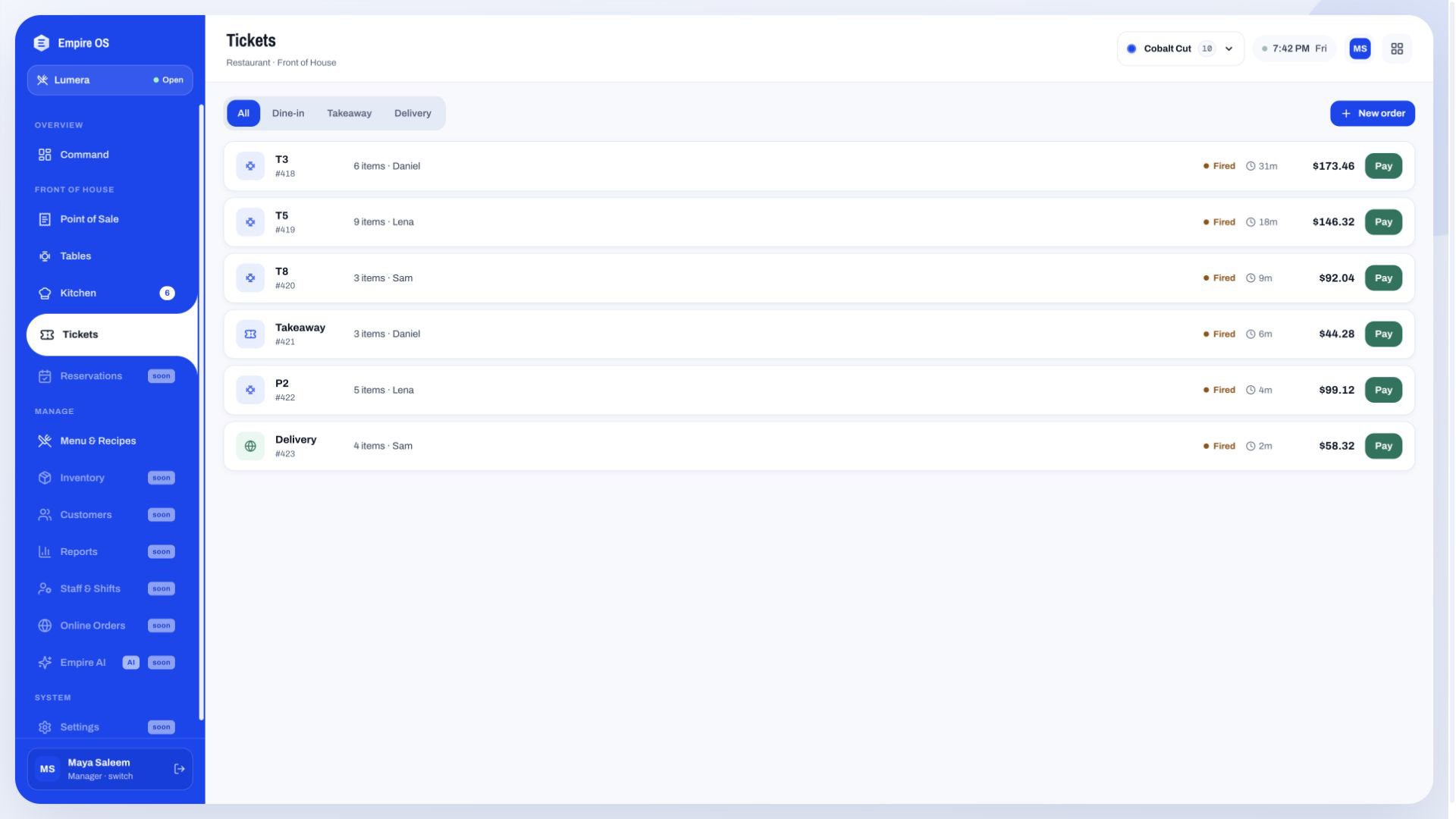
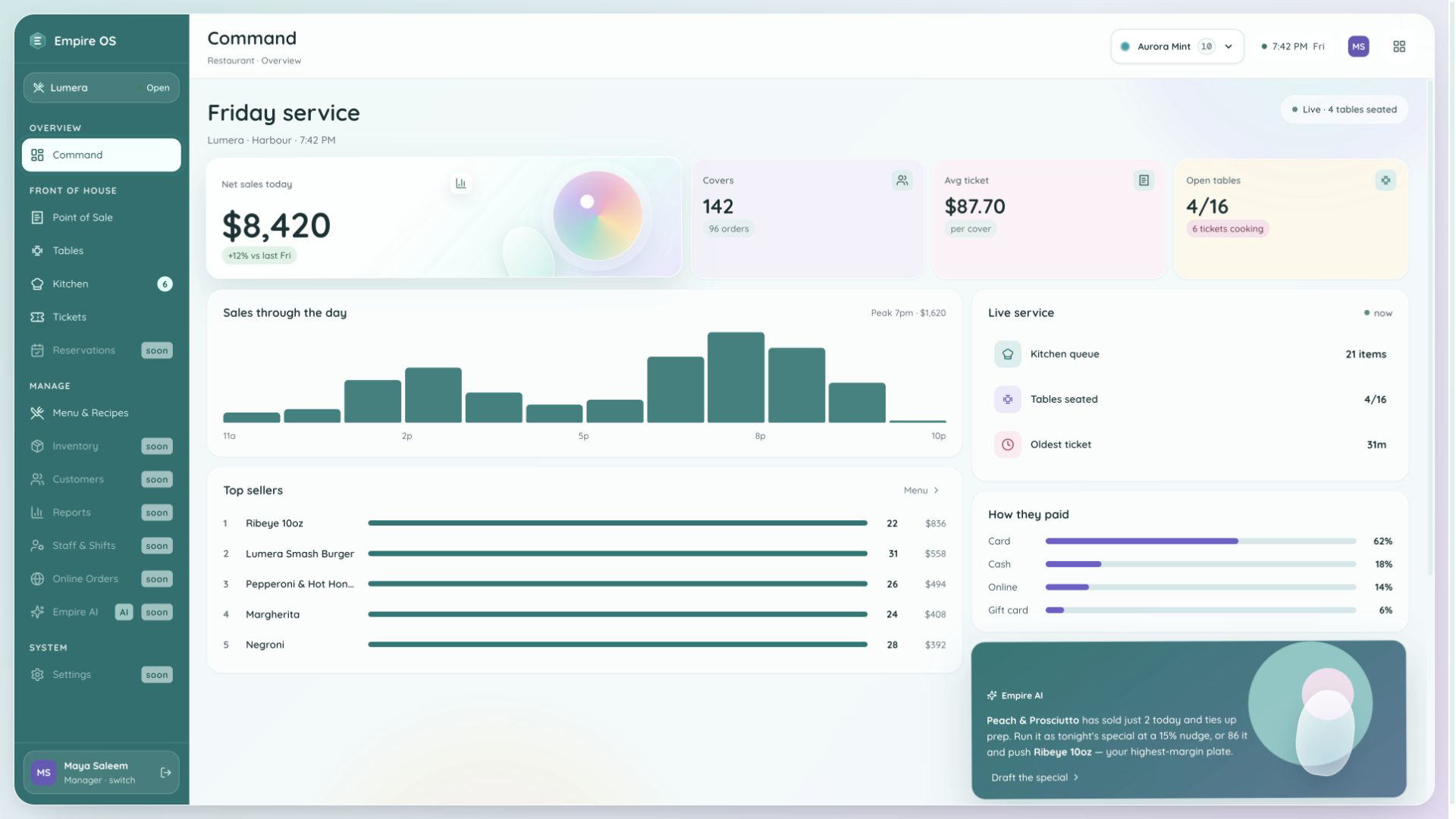
Seat a table, build the order, fire it, cook it, take payment. The Restaurant workspace runs that whole loop in public right now, and every screen here is the same operating state seen from a different job.
Starts at Command
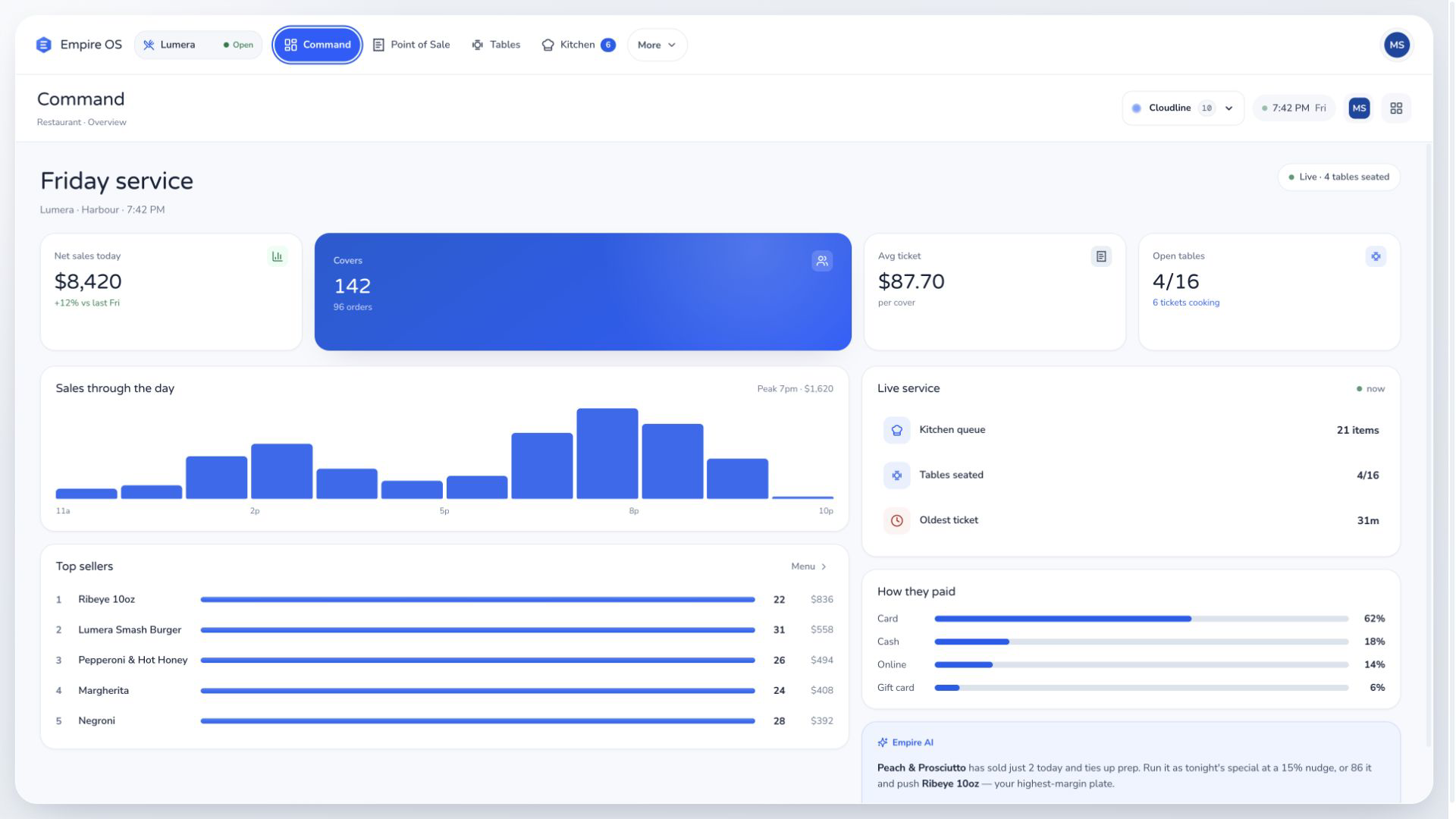
Every screen in the Restaurant build, from net sales, covers and average ticket to the kitchen queue, the oldest ticket and payment mix.
Starts at Point of Sale
Point of Sale, Tables and Tickets, to build and fire orders, seat covers and follow each ticket through the kitchen.
Starts at Kitchen
Kitchen and Tickets, to filter by station, complete a line and bump a whole ticket.
Ten ways to look. One operational core.
Each system has its own typography and motion treatment, and the operational core underneath stays the same. Switch it in the workspace above and not a number moves.
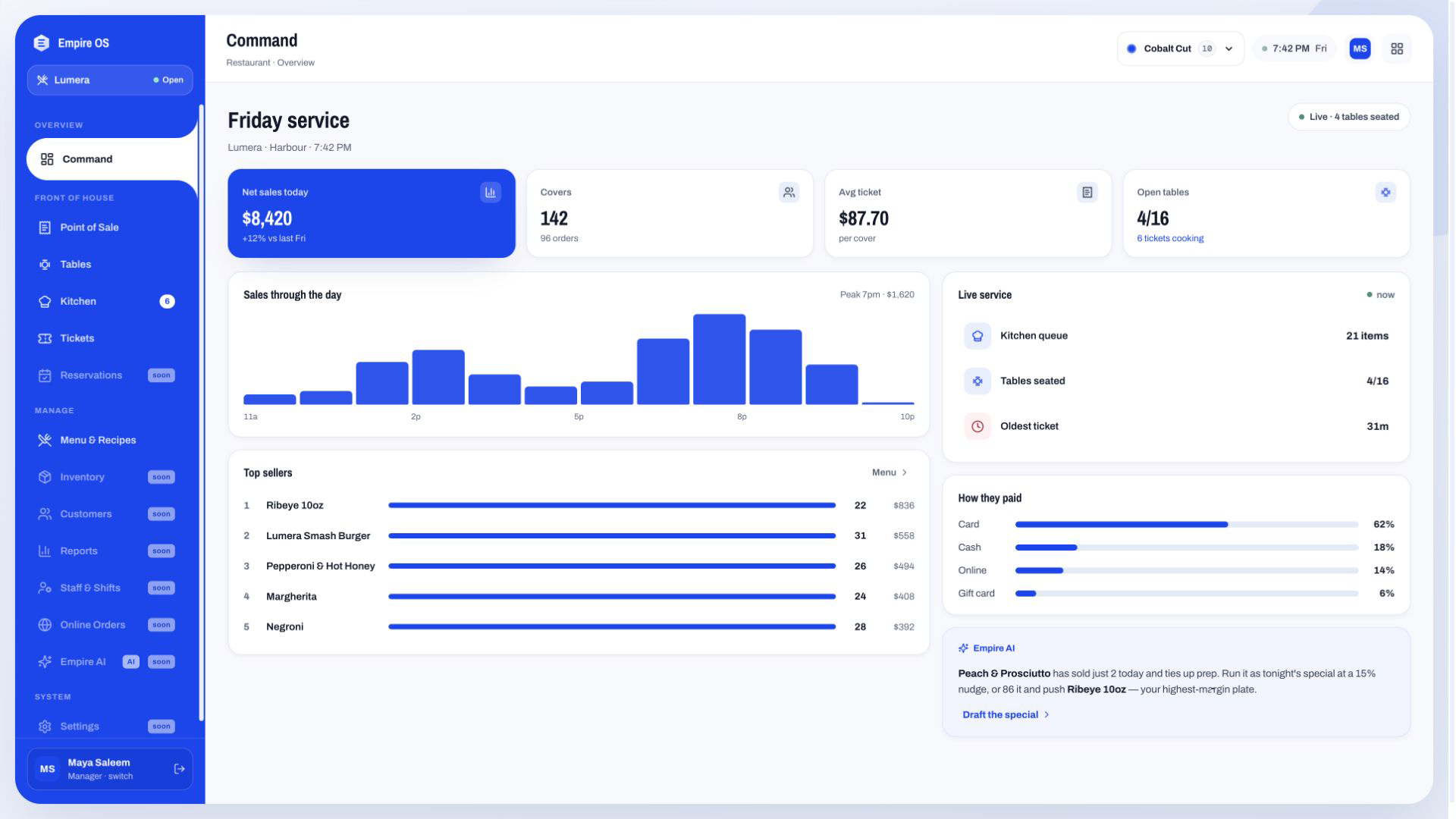
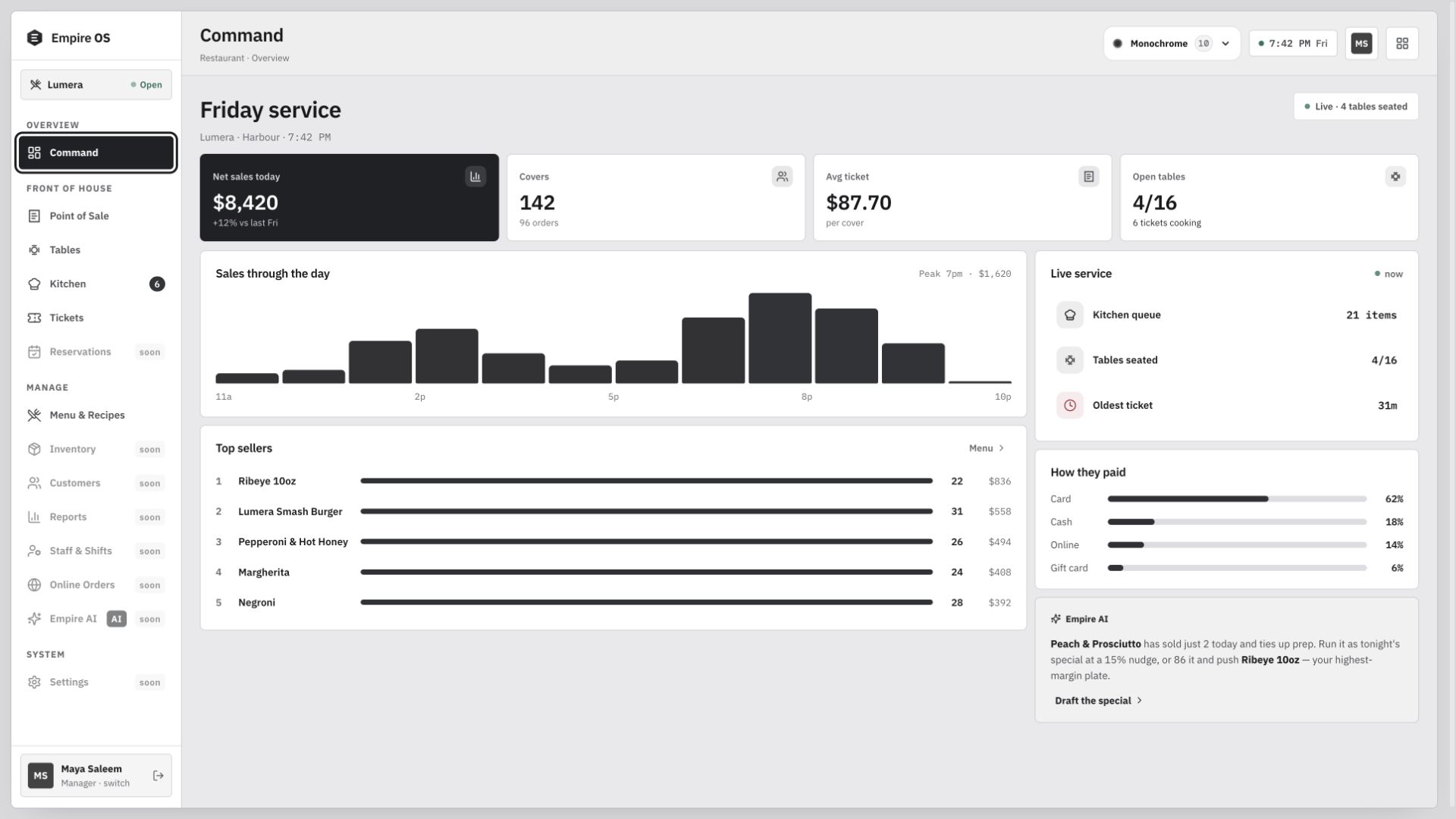
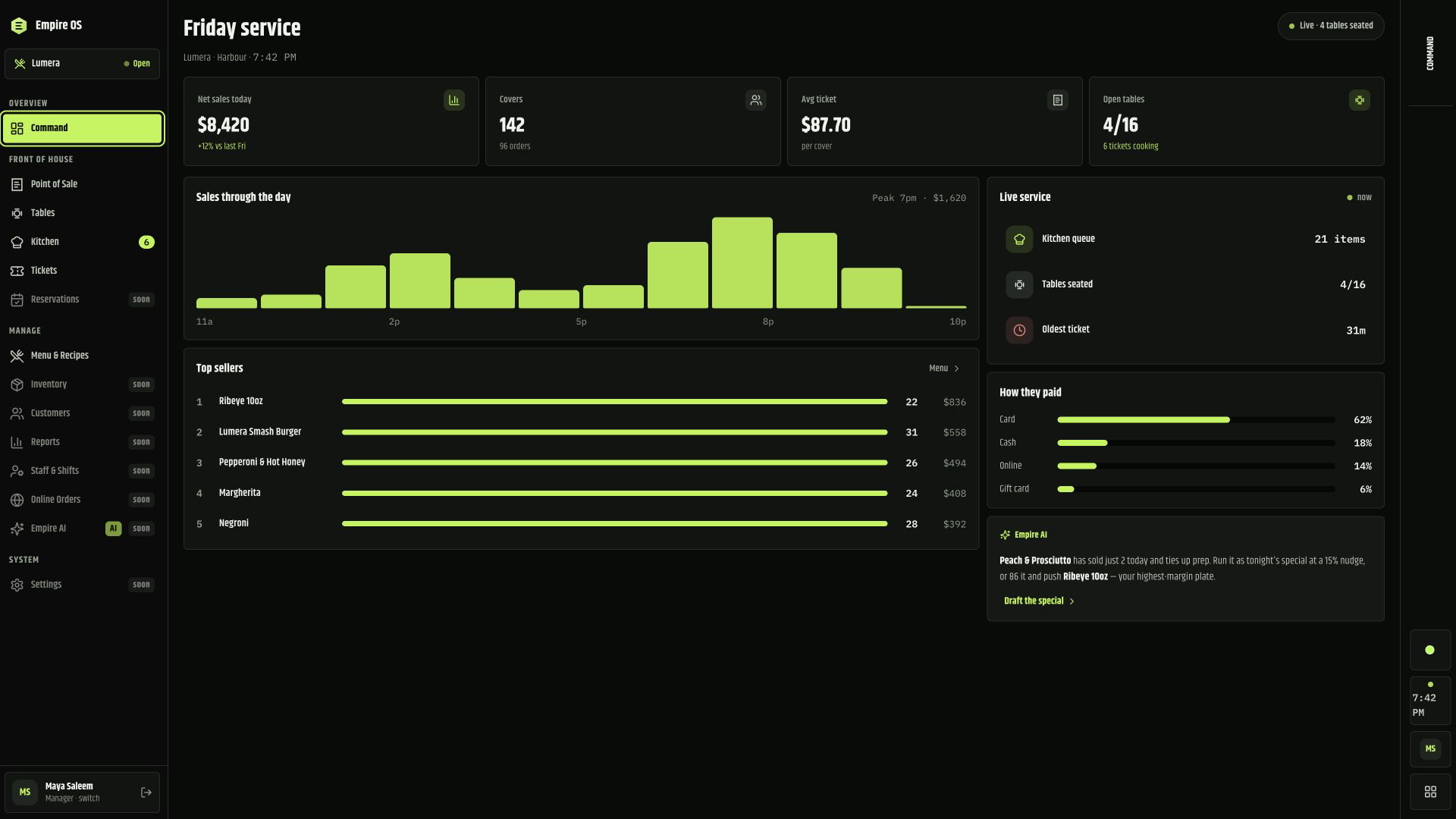
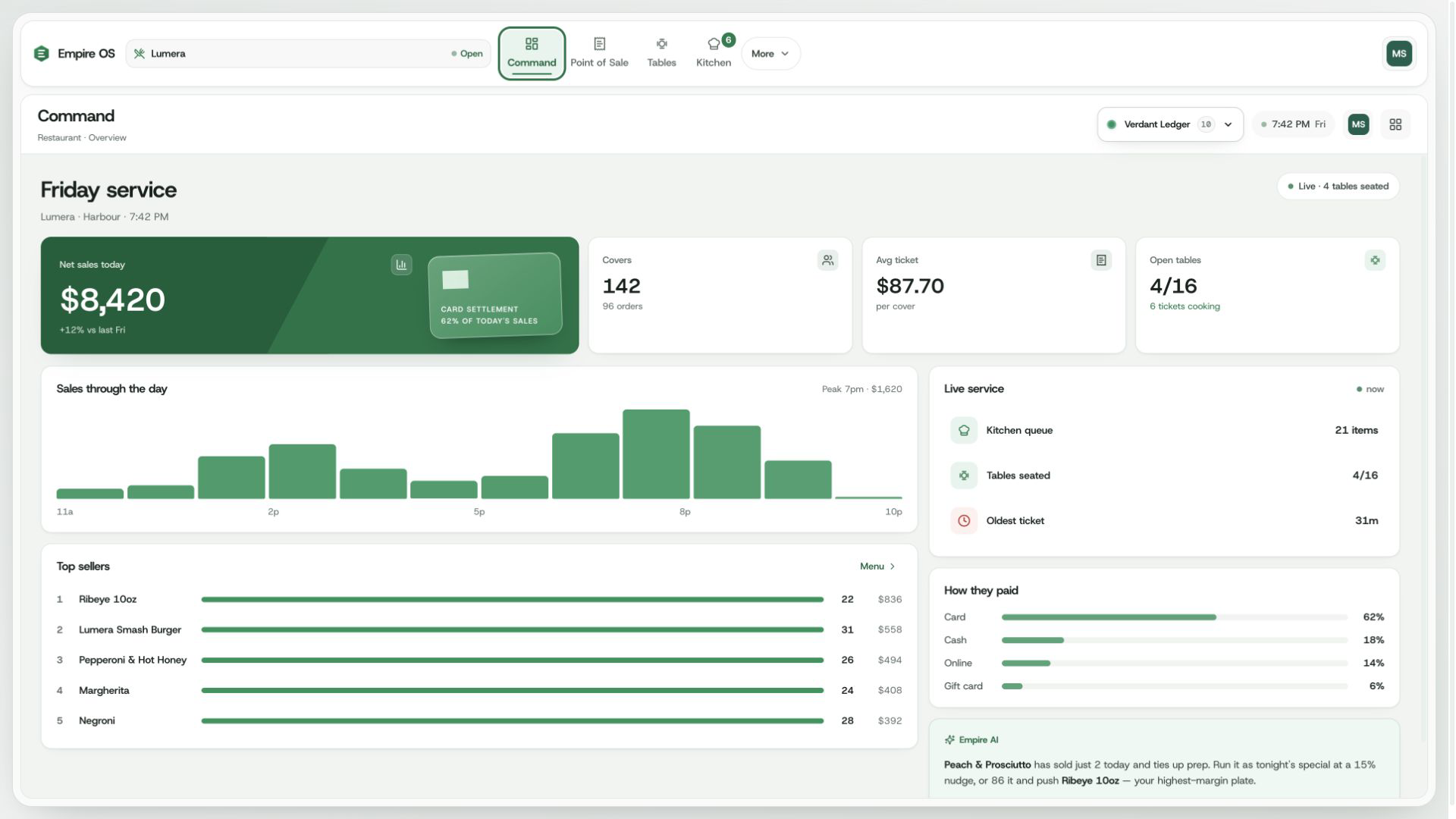
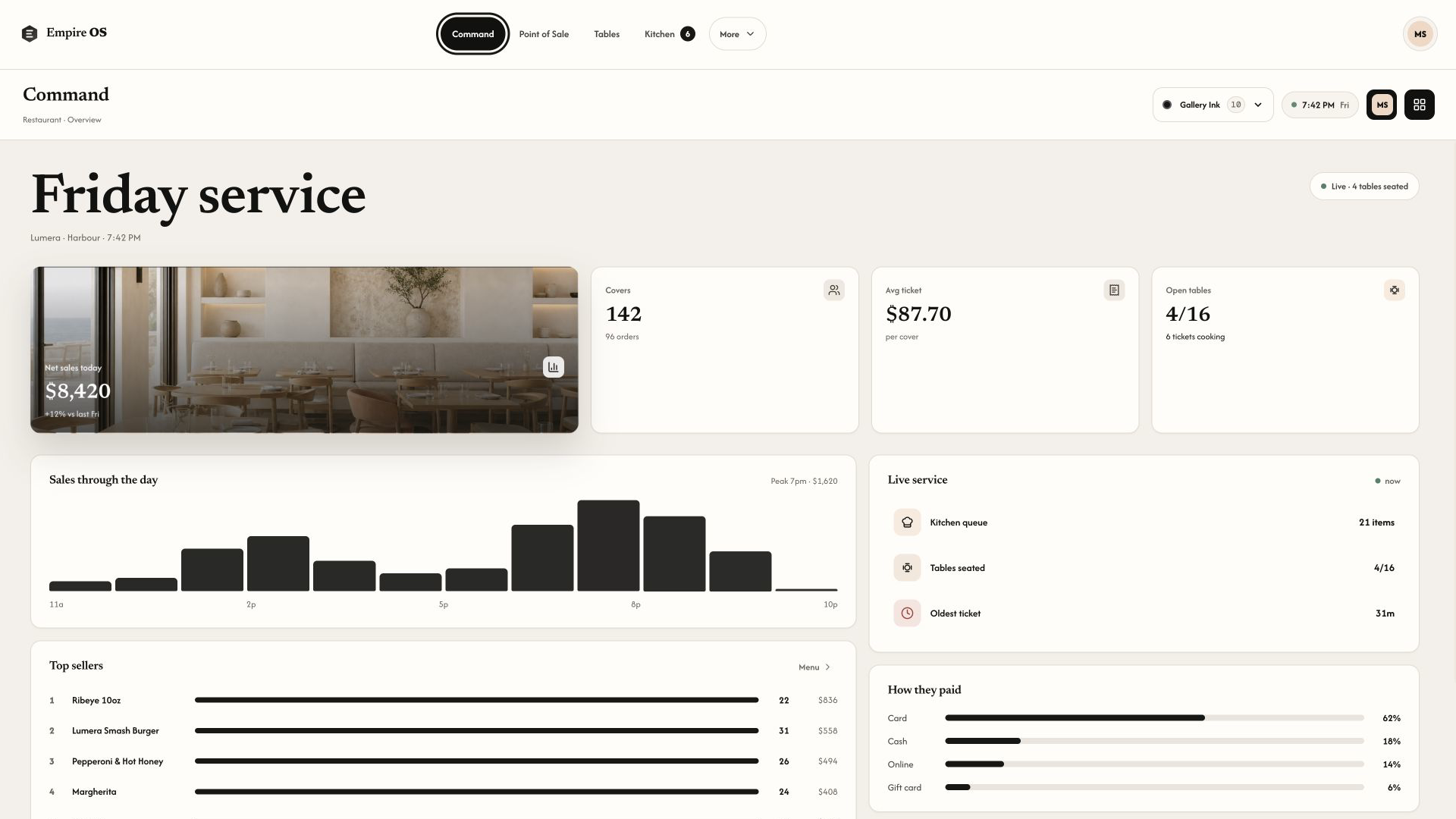
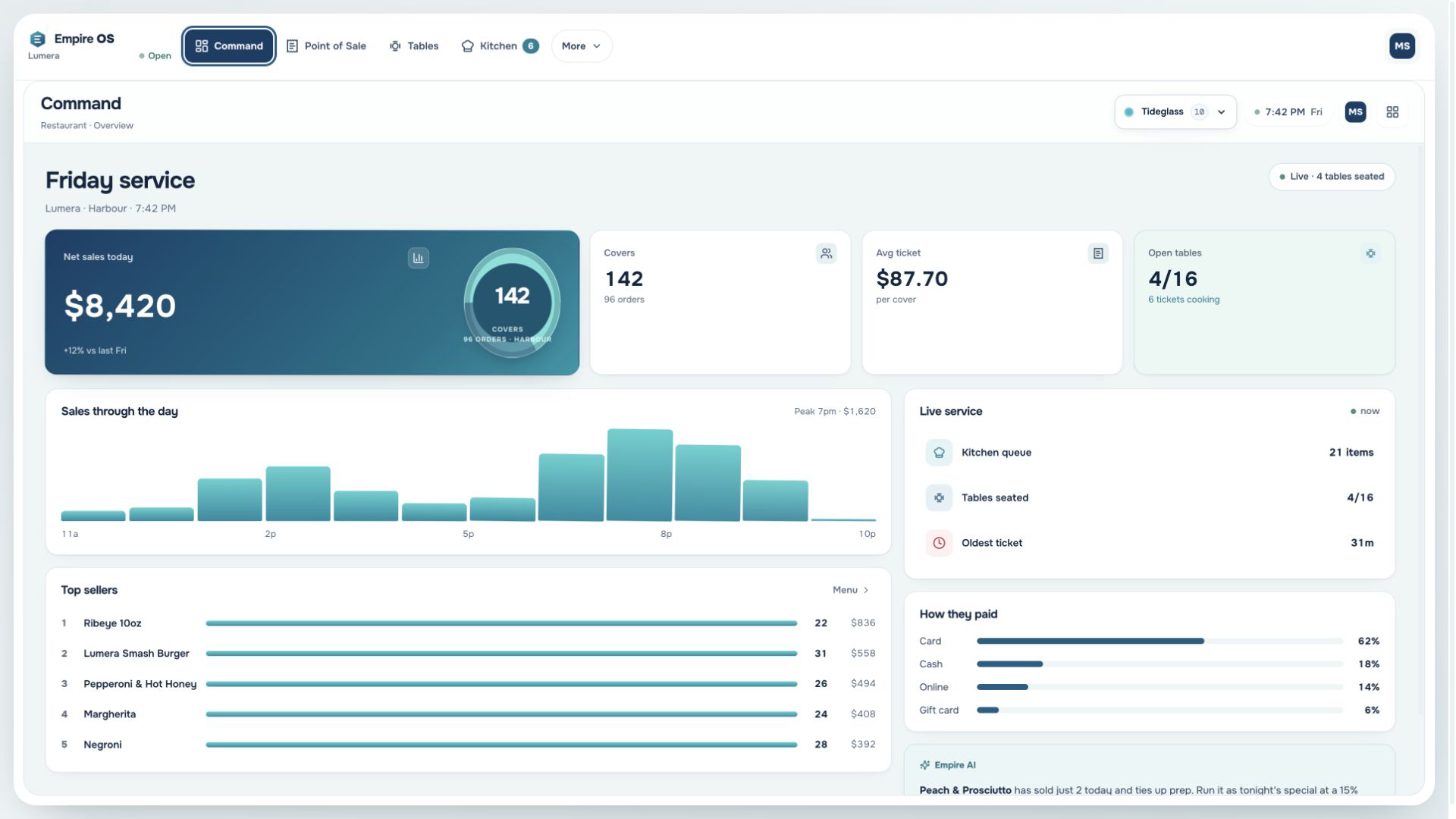
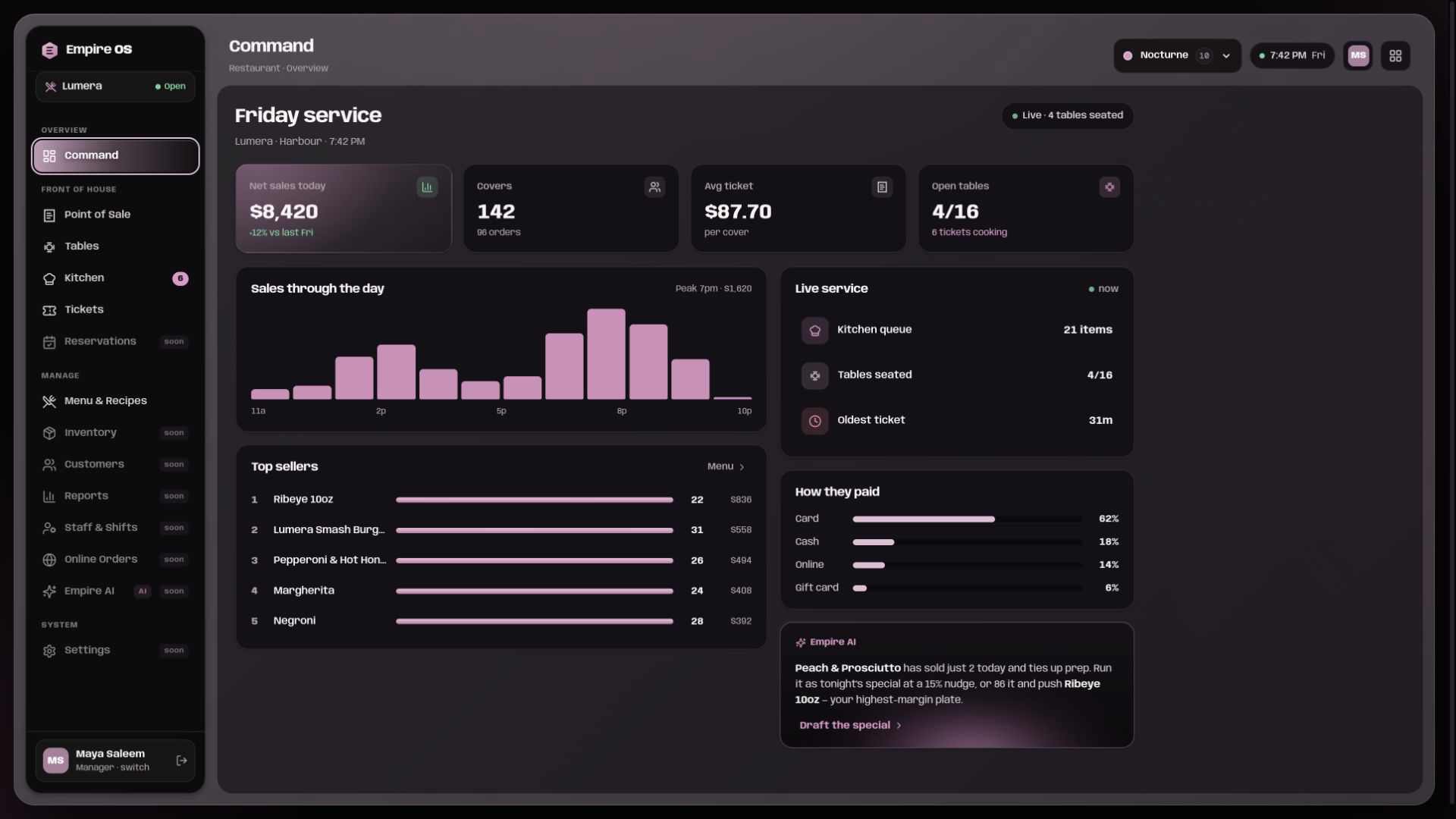
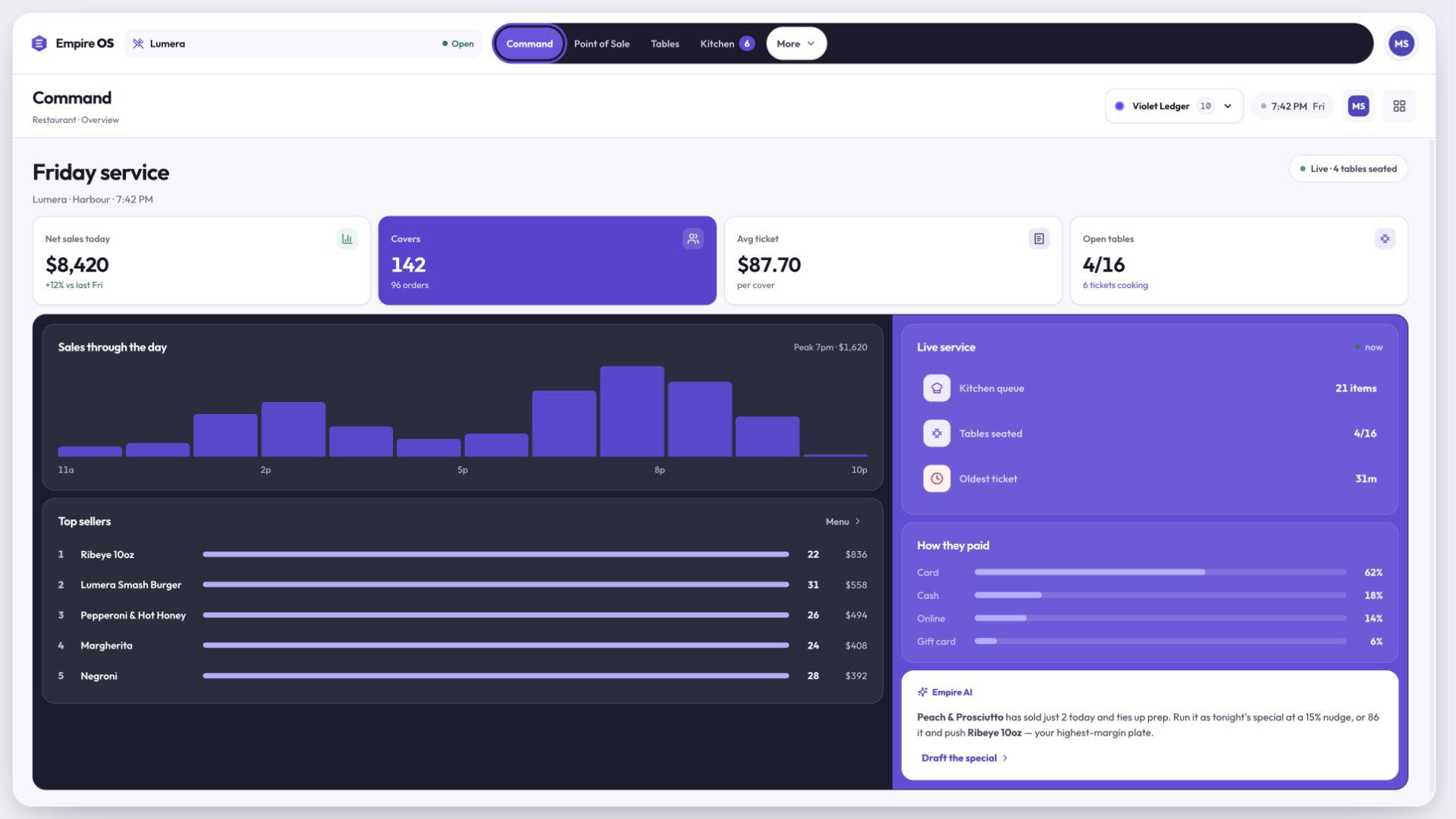
Shapes it takes
The system takes the shape of the business. These are illustrative workspaces, not twelve shipped products: one core book, configured for the work in front of it.
Restaurant is built end to end and open to try in the demo. Every other entry on the wall is illustrative.
The game is about the book, not the business.
Book Health scores how complete your record is, with the denominators visible, so a shop taking MVR 20,000 a month can score 100 and a large one can score 40. The Road shows two distances: how far your recorded revenue is from the MVR 500,000 line described in the pilot terms, and the next MIRA event on its own statutory footing. Three tasks a day, each one a real record, each one complete only when the book proves it.
No points. No coins. No streaks. No badges. No leaderboards. No reward for selling more. Nothing is unlocked by agreeing to share data.
Empire OS installs on the shop computer and keeps the book of record there, so the till works when the internet does not.
In pilot: Windows app; request an install
Windows first. During the pilot the install is by request and we do it with you at the counter. Nothing on this page is downloadable yet.
The book of record is a file on the shop PC.
An encrypted copy goes to the cloud, so a dead disk is not a dead business.
Everything you record is yours to export at any time, free, forever. Reading, exporting and correcting your own records never costs money.
Your book lives on your device. An encrypted copy is kept in the cloud so you can restore it. You can export everything, free, at any time.
In pilot: Windows appThis website sets no cookies, loads nothing from anyone else and measures nobody. The one thing your browser remembers is the interface theme you picked.
We install it with you at the counter, move a month of your real work through it beside your existing books, and you keep everything you record whether you carry on or not.
One operating book for a Maldivian business. Built in Male.